
FEES MANAGEMENT
Installment Management
Admin can create and manage student fee installments with a flexible payment structure.
Upcoming Installment Section
System displays upcoming installment details with due dates for better payment tracking.
Late Fees Module
Late fees can be automatically applied based on overdue payment settings defined by admin.
Paid Fees Section
All completed payments are recorded and visible in the paid fees section for clear tracking.
Online Fees Payment By Razorpay
Students can securely pay fees online through Razorpay directly from the app.
Fees Receipt Generation
Digital fee receipts are automatically generated after successful payment.
Fees Receipt Verification
Each receipt includes a unique receipt number and QR code for quick verification and secure authentication.
Fees History Section
Complete fee payment history is maintained with installment details for transparent financial management.
Installment Management
Admin can create and manage student fee installments with a flexible payment structure.

Upcoming Installment Section
System displays upcoming installment details with due dates for better payment tracking.
Late Fees Module
Late fees can be automatically applied based on overdue payment settings defined by admin.
Paid Fees Section
All completed payments are recorded and visible in the paid fees section for clear tracking.
Online Fees Payment By Razorpay
Students can securely pay fees online through Razorpay directly from the app.
Fees Receipt Generation
Digital fee receipts are automatically generated after successful payment.
Fees Receipt Verification
Each receipt includes a unique receipt number and QR code for quick verification and secure authentication.
Fees History Section
Complete fee payment history is maintained with installment details for transparent financial management.
FEES MANAGEMENT

Installment Management
Custom Installment Plans
Admin can create installment plans tailored to each student, defining the number of installments, amounts, and due dates.
Track Payments & Pending Amounts
Monitor installment payments, remaining balances, and overdue installments efficiently for each student.
Organized Financial Control
Structured installment management ensures smooth fee collection, timely reminders, and accurate financial records for the institute.

Upcoming Installment Section
Track Upcoming Installments
Admin can view all upcoming student installments with due dates and pending amounts in one place.
WhatsApp Reminder Button
Send instant WhatsApp reminders to students about their upcoming payments directly from the dashboard.
Late Fees Management
Include applicable late fees in reminders to ensure timely payment and maintain accurate financial records.
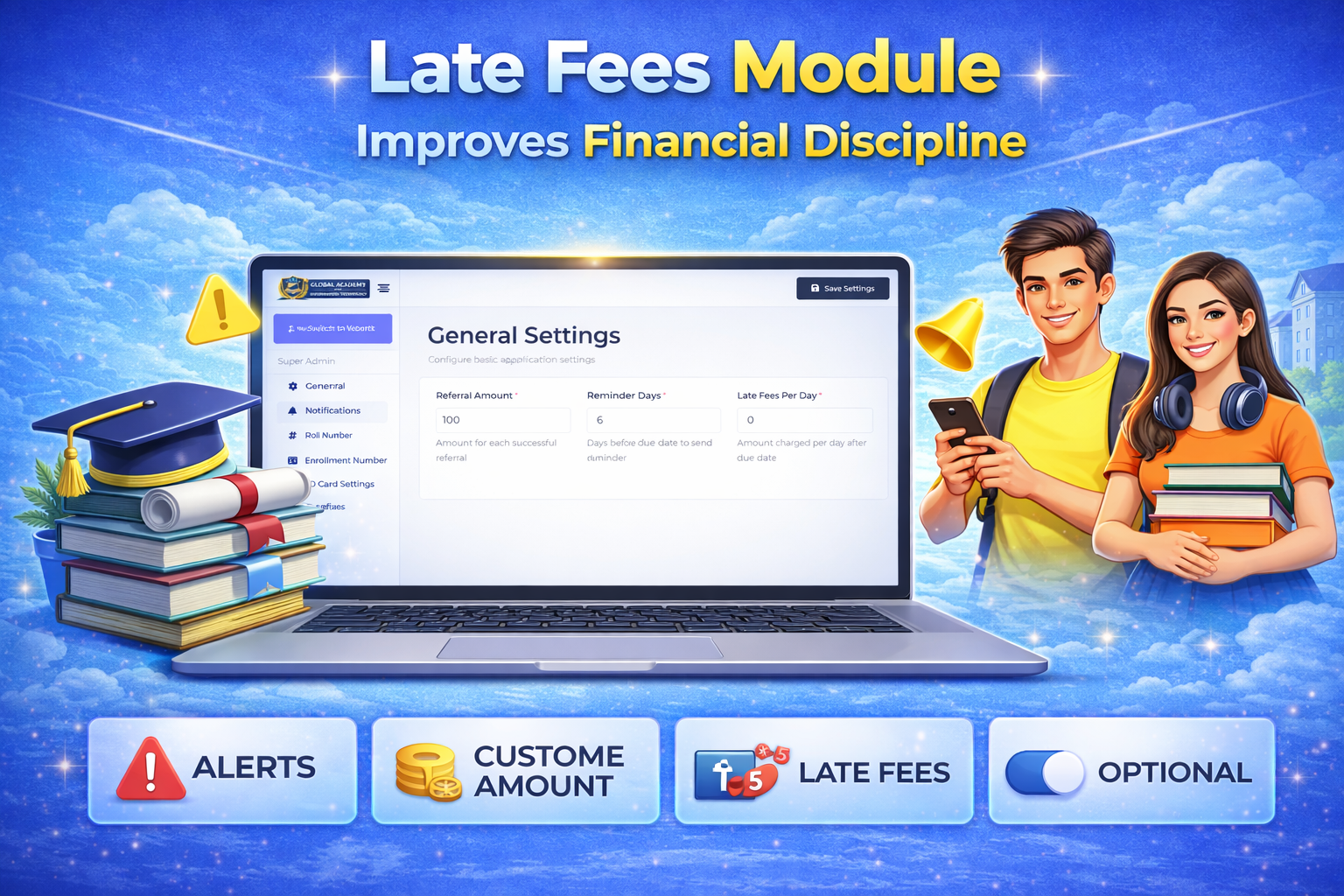
Late Fees Module
Custom Late Fees Setup
Admin can define late fee rules and amounts according to institute policies.
Automatic Daily Calculation
Late fees are automatically added to pending student dues after the due date on a daily basis.
Efficient Fee Tracking
Ensures accurate billing, reduces manual calculations, and encourages timely payments while maintaining financial transparency.

Paid Fees Section
Track Total Income
View the total fees collected from all students, providing a clear picture of institute earnings.
Maintain Payment History
Access detailed records of all past payments, including dates, amounts, and student details for transparency.
Receipt Management
Generate and store receipts for each payment, ensuring proper documentation and easy retrieval for future reference.

Razorpay Intergration
Online Payment Access
Students can pay their course fees directly from the mobile app or website using Razorpay integration.
Real-Time Fee Updates
Payments are reflected instantly in the student’s fee records, ensuring accurate and up-to-date tracking.
Secure & Multiple Payment Methods
Supports UPI, debit/credit cards, net banking, and wallets, providing a safe and convenient payment experience.

Fees Receipt Genration
Automated Receipt Creation
Generate fee receipts instantly for every student payment, whether online or offline.
Detailed Payment Information
Receipts include student name, course, installment details, payment mode, and any applicable late fees.
Organized Record Keeping
Maintain a systematic collection of all receipts for easy retrieval, reporting, and financial auditing

Fees Receipt Verification
Instant QR Verification
Each fee receipt includes a unique QR code that can be scanned to verify payment authenticity.
Detailed Payment Confirmation
Scanning the QR code shows complete details such as student name, course, amount paid, date, and payment mode.
Secure & Transparent System
Ensures receipts are genuine, prevents fraud, and provides confidence to students, staff, and administrators.