
COURSE MANAGEMENT
EXAM GRADE SYSTEM
Admin can create and manage course exam grade system from the admin panel as per their requirements.
COURSE CATEGORY
Admin can create and manage course categories from the admin panel as per their requirements. Courses can be organized under different categories for better structure and easy navigation.
COURSE AWARD CATEGORY
Admin can define the award category for each course from the admin panel. For example, if the course is Diploma in Computer Application, the award will be set as Diploma.
ADD COURSE SECTION
Admin can add new courses with complete details from the admin panel, and the course becomes instantly available for enrollment.
SUBJECT SECTION
Admin can add and manage subjects from the admin panel and assign them course-wise. Subjects can be organized properly to ensure structured learning and smooth exam management.
LANGUAGE SECTION
Admin can add and manage multiple languages for the online exam question bank from the admin panel.
ONLINE CLASSES
Admin can add class links in the panel, which students can access directly from their login for easy, real-time learning.
EXAM GRADE SYSTEM
Admin can create and manage course exam grade system from the admin panel as per their requirements.

COURSE CATEGORY
Admin can create and manage course categories from the admin panel as per their requirements. Courses can be organized under different categories for better structure and easy navigation.
COURSE AWARD CATEGORY
Admin can define the award category for each course from the admin panel. For example, if the course is Diploma in Computer Application, the award will be set as Diploma.
ADD COURSE SECTION
Admin can add new courses with complete details from the admin panel, and the course becomes instantly available for enrollment.
SUBJECT SECTION
Admin can add and manage subjects from the admin panel and assign them course-wise. Subjects can be organized properly to ensure structured learning and smooth exam management.
LANGUAGE SECTION
Admin can add and manage multiple languages for the online exam question bank from the admin panel.
ONLINE CLASSES
Admin can add class links in the panel, which students can access directly from their login for easy, real-time learning.
COURSE MANAGEMENT
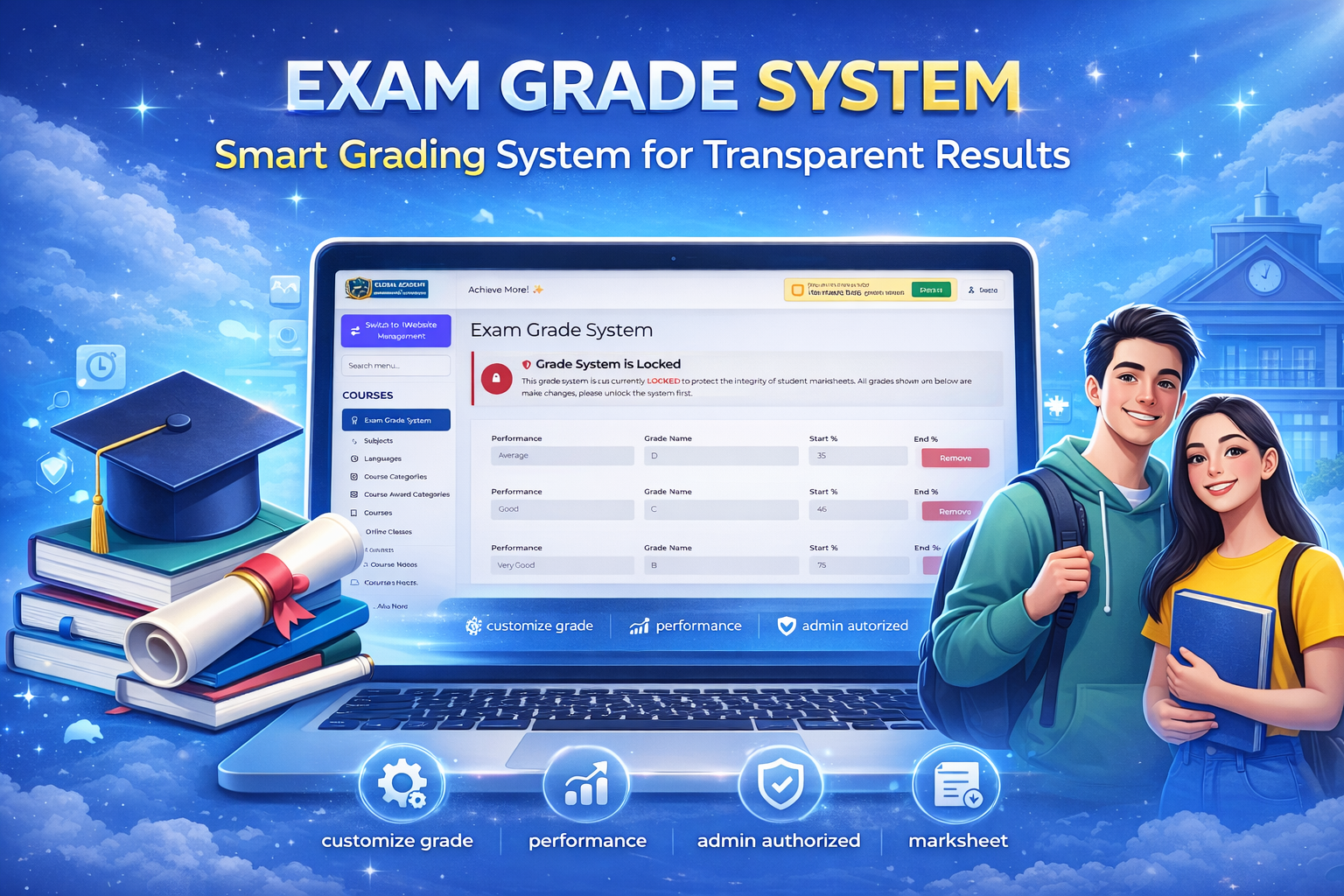
Exam Grade System
Custom Grade Configuration
Admin can create and define grading patterns such as A+, A, B, C, percentage ranges, or division systems based on the institute’s academic structure and preferences.
Automatic Marks-to-Grade Calculation
Set specific mark ranges for each grade so the system automatically calculates and assigns grades once marks are entered, ensuring accuracy and consistency.
Editable & Course-Wise Flexibility
Grading criteria can be modified anytime and customized separately for different courses or exams to match varying academic standards and requirements.
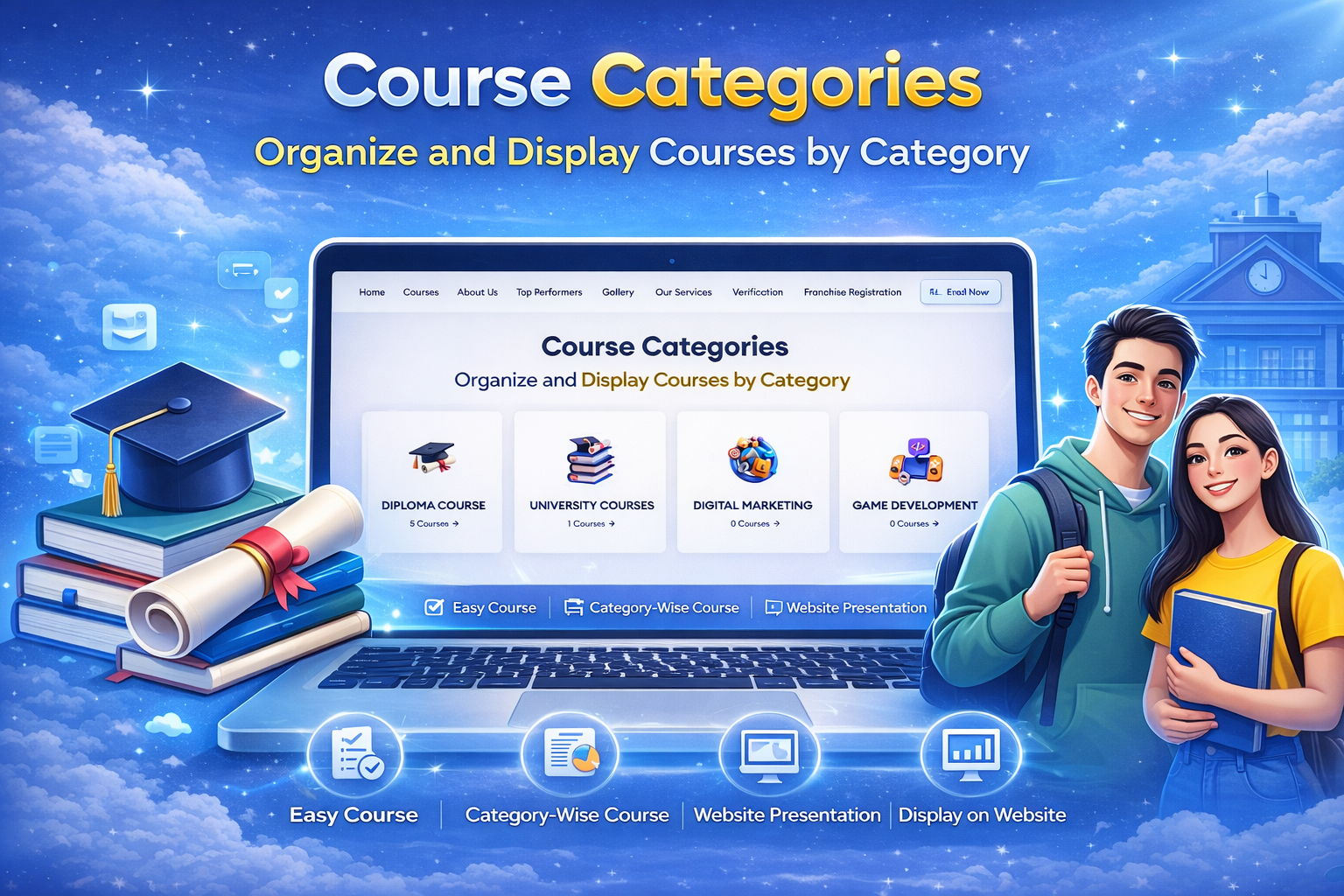
Course Categories
Create Categories with Image
Admin can create multiple course categories and upload a representative image for each category to make the section more attractive.
Better Course Classification
Organize similar courses under structured categories such as Basic, Advanced, Professional, or Short-Term for easy browsing and management.
Enhanced Website Presentation
Category images along with titles improve the visual appeal of the website and help students quickly identify their preferred course type.
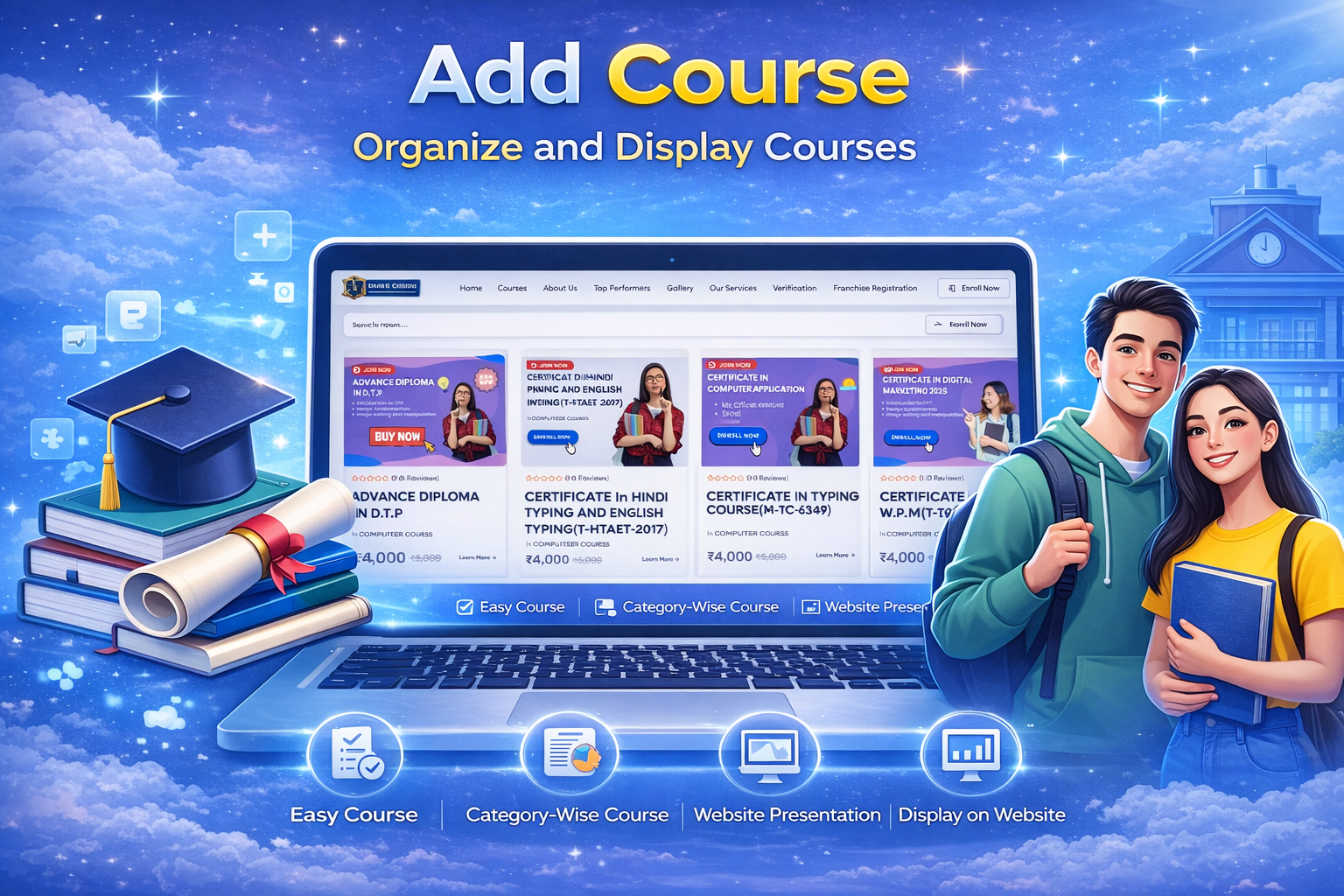
Add Course
Define Course Details
Admin can add full course information including title, description, and structured syllabus for proper academic planning.
Set Price & Duration
Easily define course fees and duration based on the training program structure and institute policies.
Upload Course Thumbnail
Add an attractive course thumbnail image to improve website presentation and make courses visually engaging for students
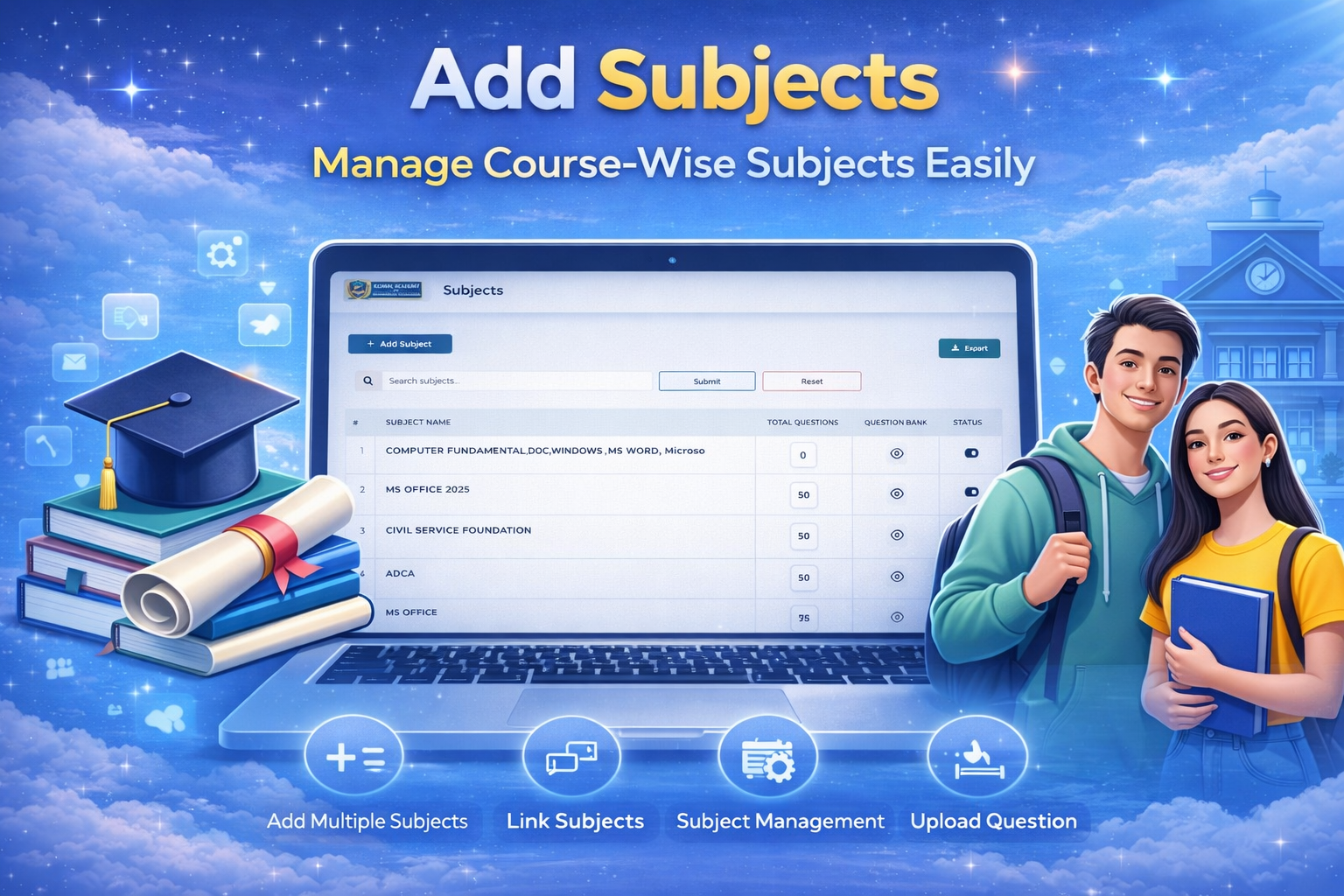
Add Subject
Course-Wise Subject Assignment
Admin can create and assign subjects under specific courses to maintain a clear and structured academic framework.
Question Bank for Online Exams
Upload and manage subject-wise question banks for conducting secure and automated online examinations.
Semester-Wise Subject Integration
Integrate subjects semester-wise within courses, ensuring proper academic flow and organized curriculum management.
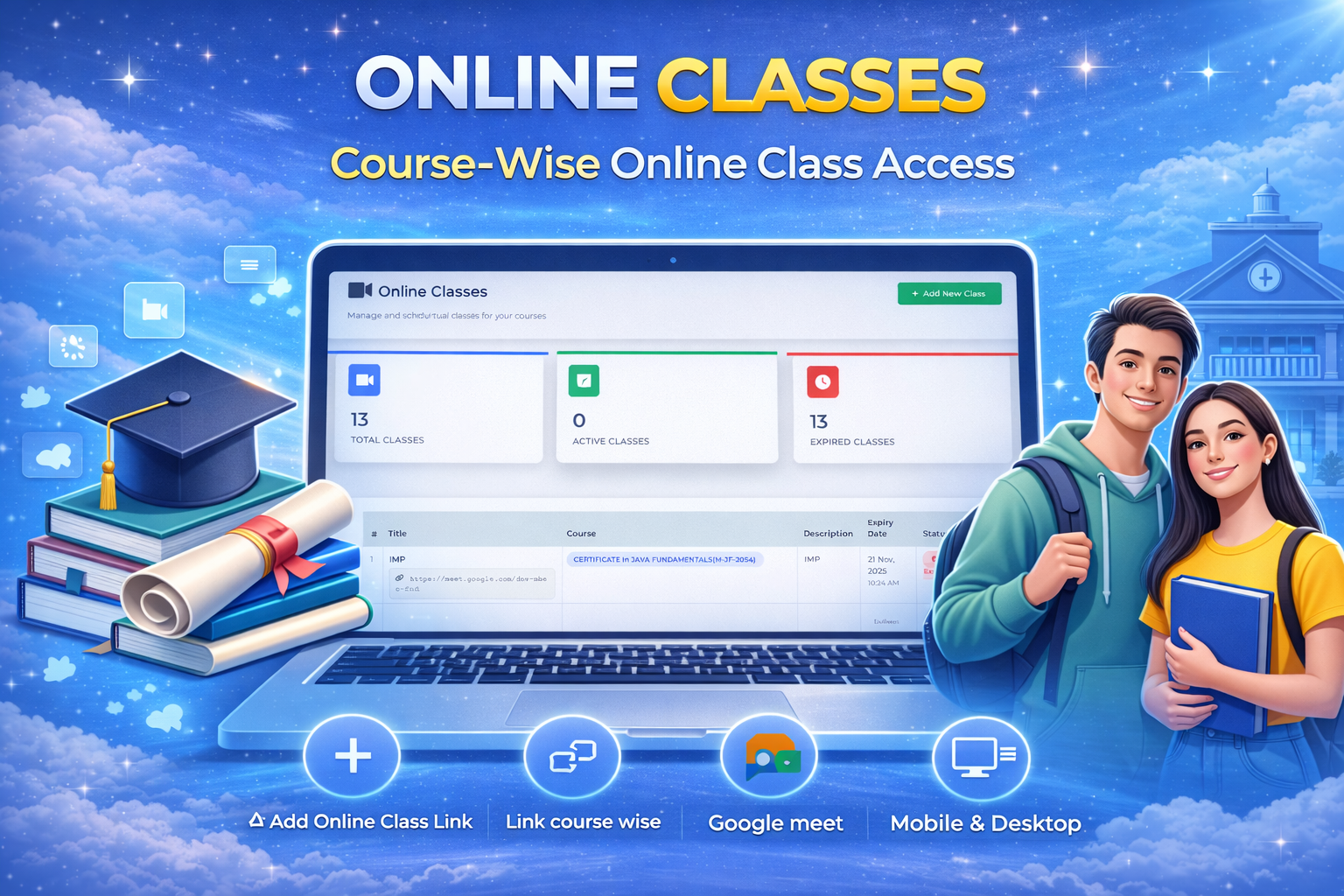
Online Classes
Add Live Class Links
Admin can add online class links from third-party platforms like Google Meet or Zoom for each course or batch.
Student Portal & App Access
Added links automatically reflect in the student website and mobile app for easy access to live sessions.
Centralized Class Management
Manage and update live class schedules from the admin panel to ensure smooth and organized online learning.