
DYNAMIC WEBSITE SYSTEM
Course Categories Display
Shows all major course categories available, helping visitors quickly find programs they’re interested in.
Hero Slider Banner
Eye-catching rotating banner on the homepage to showcase core offerings and promotions.
About Us Section
Gives a brief introduction about the institute to establish credibility and connect with visitors.
Top Performers
Shares success stories and feedback to build trust and social proof.
Gallery Section
Shows images from classes, events, or institute infrastructure to visually engage users.
Verification Module
Allows visitors to verify certificates or credentials online for authenticity.
Franchise Registration
Enables potential partners to register for franchise opportunities directly on the site.
Our Teachers
Displays qualified and experienced faculty members with their photos, expertise, and profiles to build trust and credibility
Buy Now Option
Allows students to instantly purchase courses online through a secure payment gateway for quick and hassle-free enrollment.
Course Categories Display
Shows all major course categories available, helping visitors quickly find programs they’re interested in.

Course Categories Display
Shows all major course categories available, helping visitors quickly find programs they’re interested in.
Hero Slider Banner
Eye-catching rotating banner on the homepage to showcase core offerings and promotions.
Hero Slider Banner
Eye-catching rotating banner on the homepage to showcase core offerings and promotions.
About Us Section
Gives a brief introduction about the institute to establish credibility and connect with visitors.
About Us Section
Gives a brief introduction about the institute to establish credibility and connect with visitors.
Top Performers
Shares success stories and feedback to build trust and social proof.
Top Performers
Shares success stories and feedback to build trust and social proof.
Gallery Section
Shows images from classes, events, or institute infrastructure to visually engage users.
Gallery Section
Shows images from classes, events, or institute infrastructure to visually engage users.
Verification Module
Allows visitors to verify certificates or credentials online for authenticity.
Verification Module
Allows visitors to verify certificates or credentials online for authenticity.
Franchise Registration
Enables potential partners to register for franchise opportunities directly on the site.
Franchise Registration
Enables potential partners to register for franchise opportunities directly on the site.
Our Teachers
Displays qualified and experienced faculty members with their photos, expertise, and profiles to build trust and credibility
Our Teachers
Displays qualified and experienced faculty members with their photos, expertise, and profiles to build trust and credibility
Buy Now Option
Allows students to instantly purchase courses online through a secure payment gateway for quick and hassle-free enrollment.
Buy Now Option
Allows students to instantly purchase courses online through a secure payment gateway for quick and hassle-free enrollment.
DYNAMIC WEBSITE SYSTEM
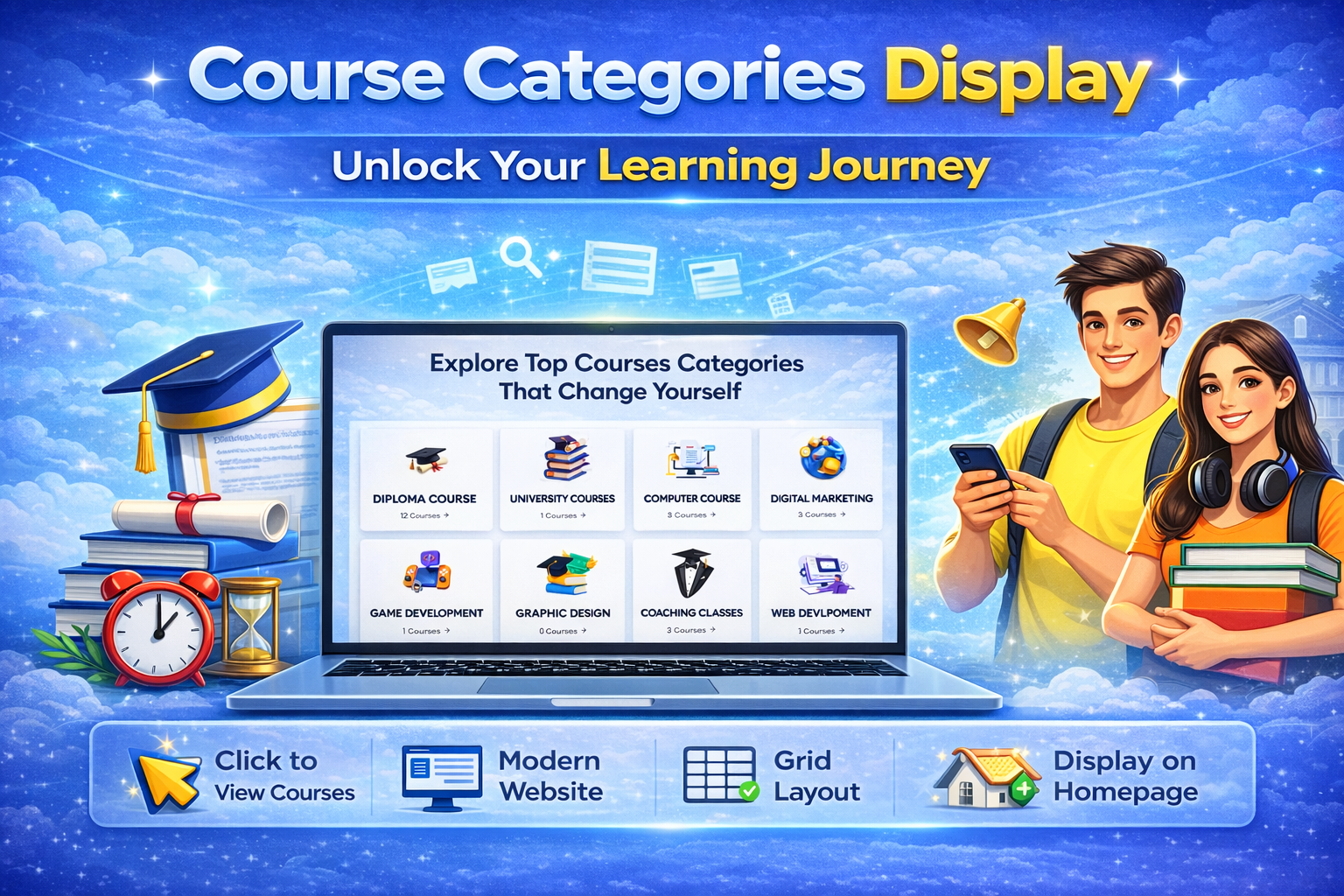
Course Categories Display
Explore Our Course Categories
Easily browse all computer courses we offer, from basic typing to advanced programming, to find the perfect fit for your learning goals.
Tailored Learning Paths
Each category is designed to guide you step-by-step, helping beginners and advanced learners progress at their own pace.
Quick Access & Details
View course duration, syllabus highlights, and fees at a glance, so you can quickly choose the course that suits you best.

Hero Slider Banner
Dynamic Hero Slider
Showcase multiple banners on your homepage to highlight courses, events, or announcements with eye-catching visuals.
Easy Admin Control
Add, edit, or remove banners quickly from the admin panel—no technical skills required.
Engage Visitors Instantly
Make a strong first impression with rotating banners that draw attention and guide users to key sections.
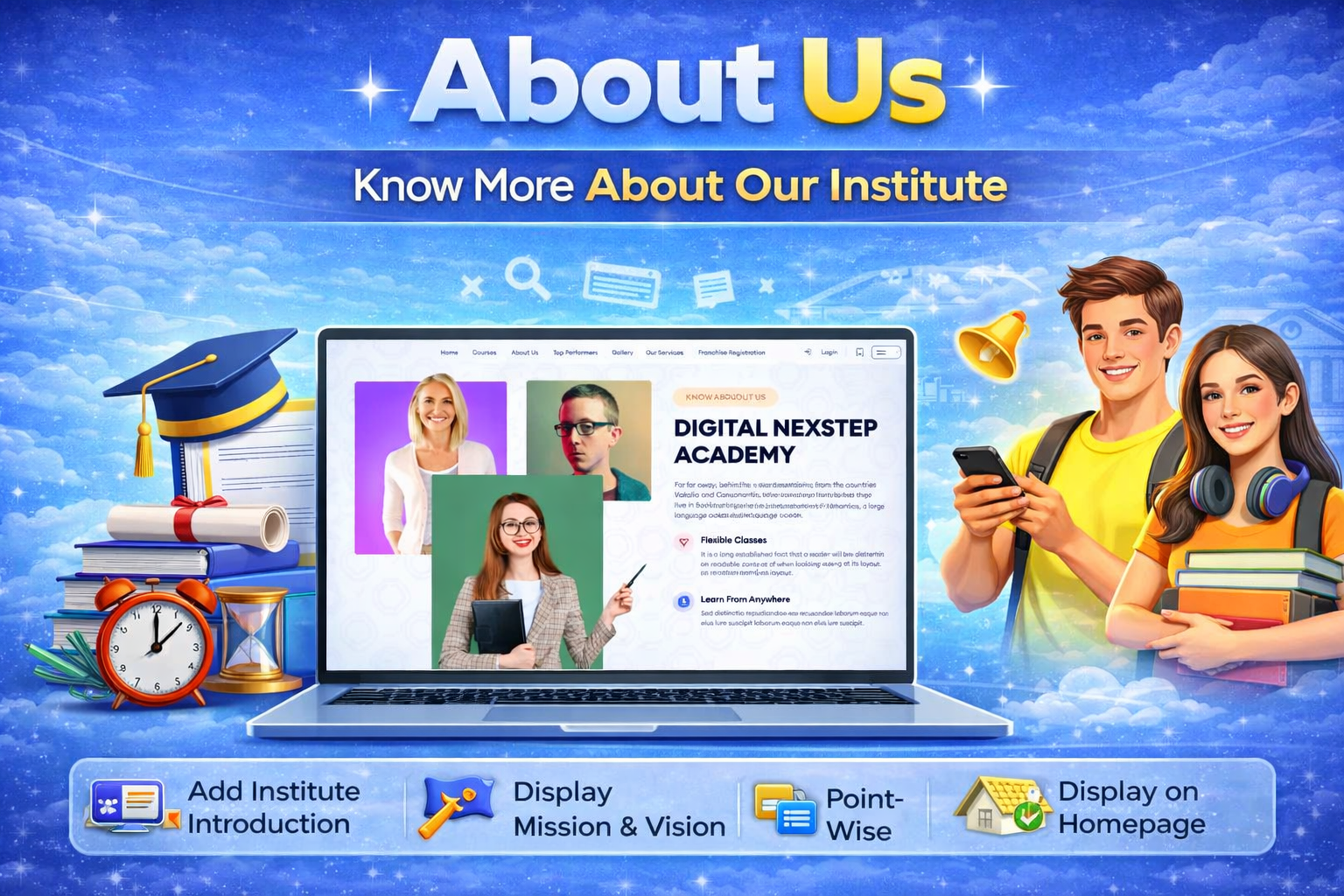
About Us
Institute Overview
Present detailed information about the computer center, its background, and core objectives.
Mission & Vision
Highlight the institute’s mission, vision, and commitment toward quality education and student success.
Images & Key Highlights
Showcase institute images along with important points to build trust and professional credibility.
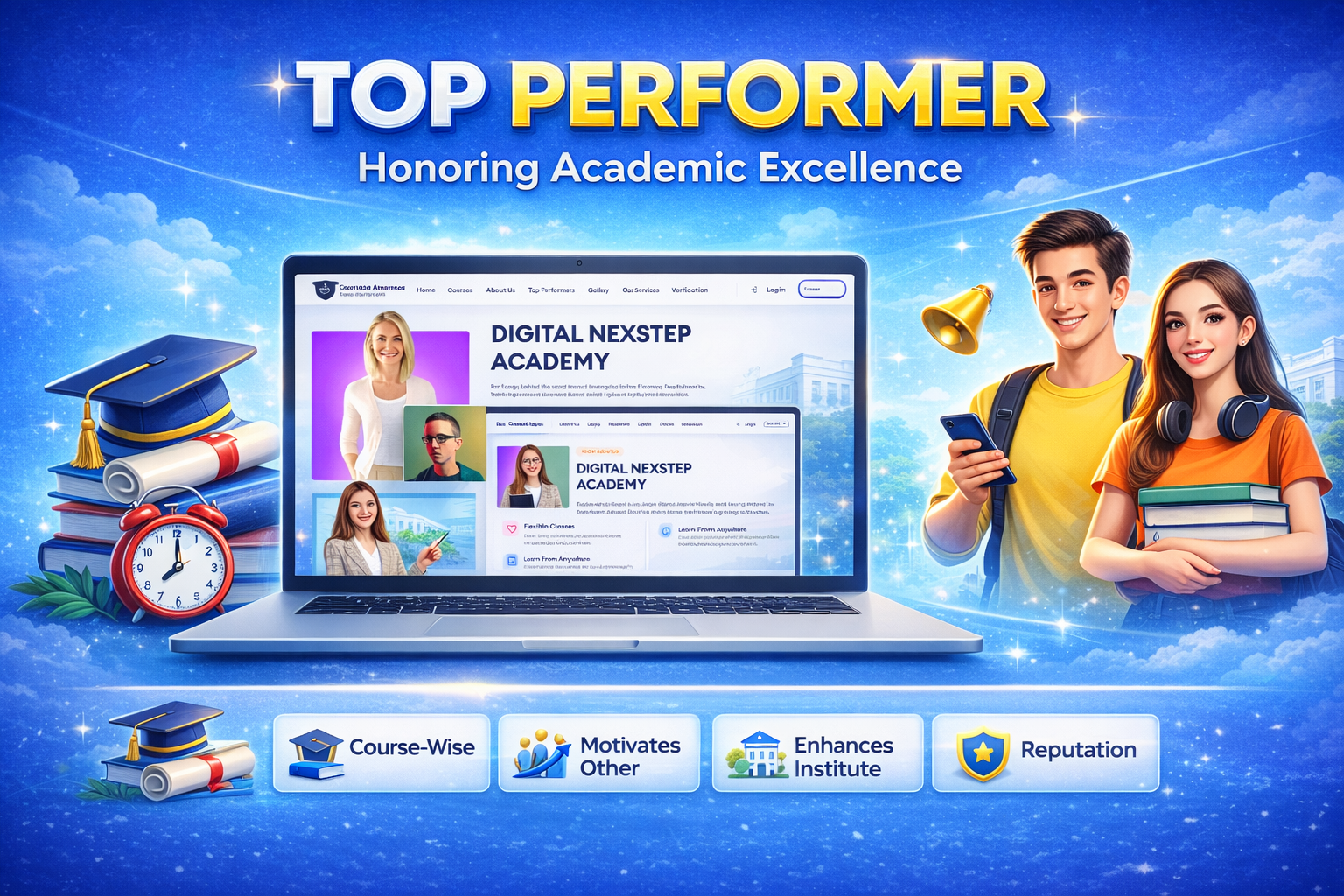
Top Performers
Highlight Student Achievements
Showcase top-performing students with their names, course details, and outstanding results.
Build Motivation & Recognition
Encourage other students by displaying achievements, ranks, and academic excellence.
Professional Display Section
Present achievers with photos and performance details to enhance institute credibility and pride
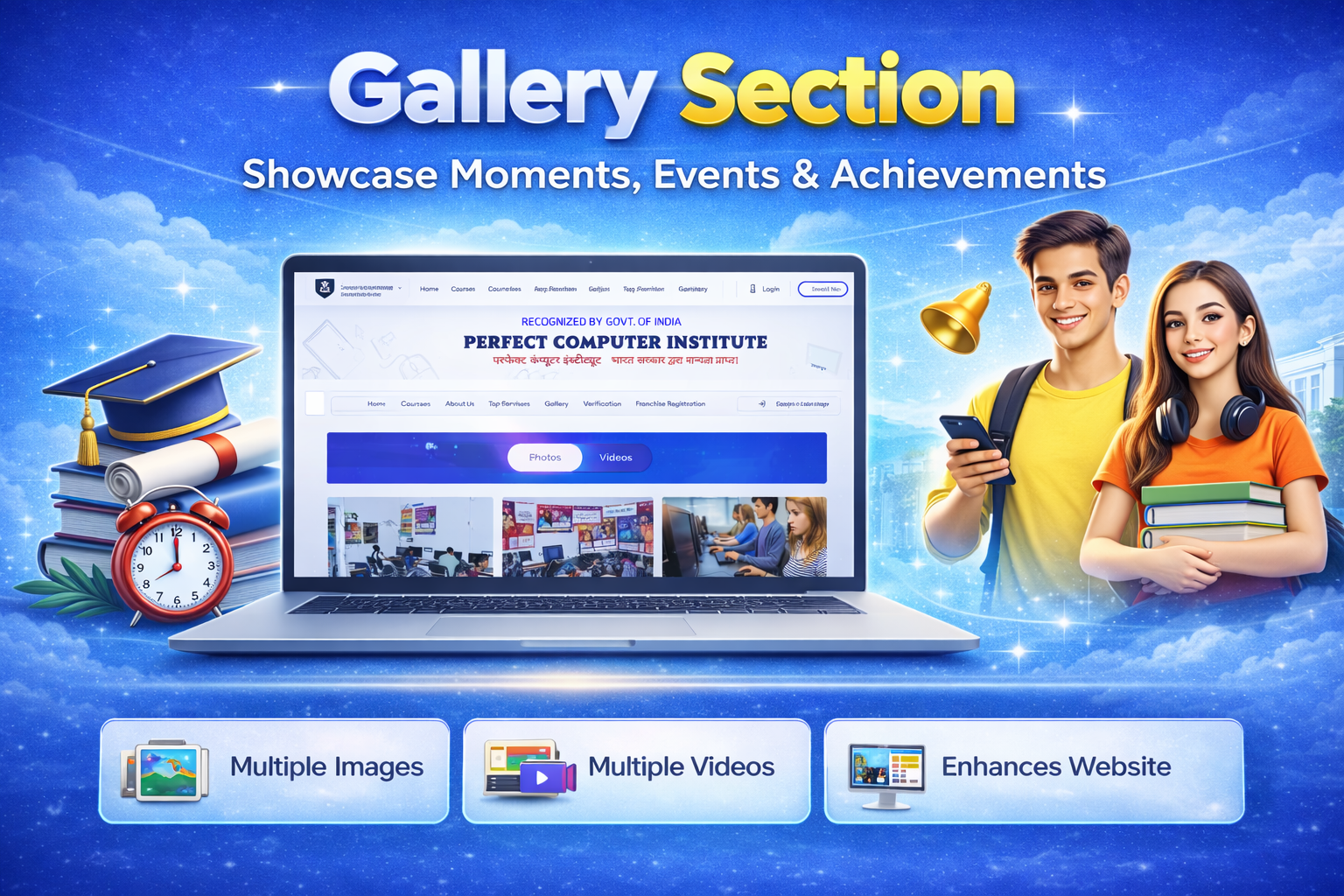
Gallery Section
Event Photo Display
Showcase event photos, classroom activities, seminars, and special moments in an organized gallery format.
Video Link Integration
Add event and activity videos using link format (such as YouTube) for easy online viewing.
Professional Media Presentation
Create an attractive and structured gallery section to highlight institute activities and build strong visual engagement.
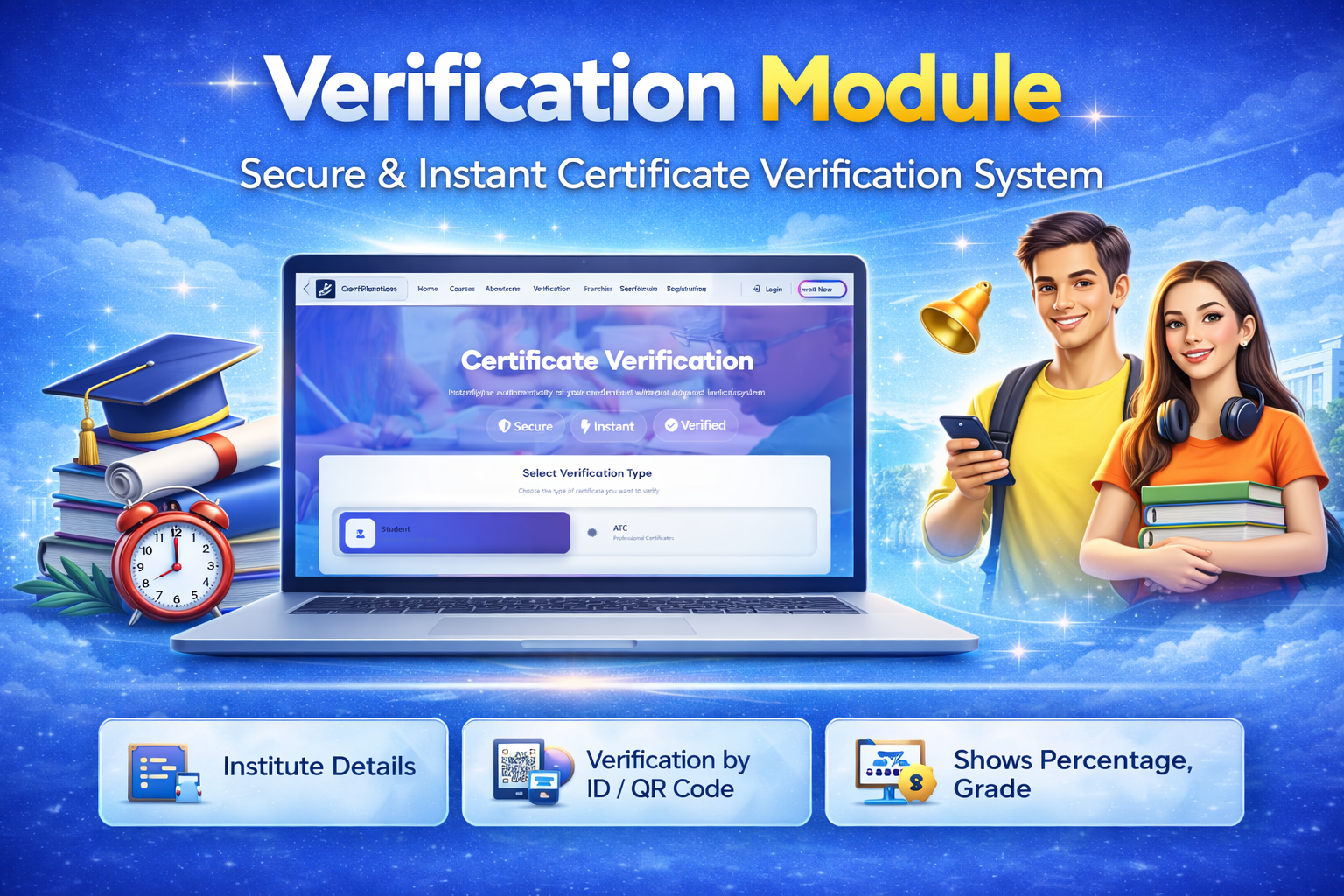
Verification Module
Student Certificate Verification
Allow anyone to verify student certificates online using certificate number or registration details for authenticity.
Franchise ATC Verification
Provide verification system for franchise ATC certificates to confirm authorized and approved centers.
Secure & Reliable System
Ensure all verification data is secure, accurate, and instantly accessible for transparency and trust.
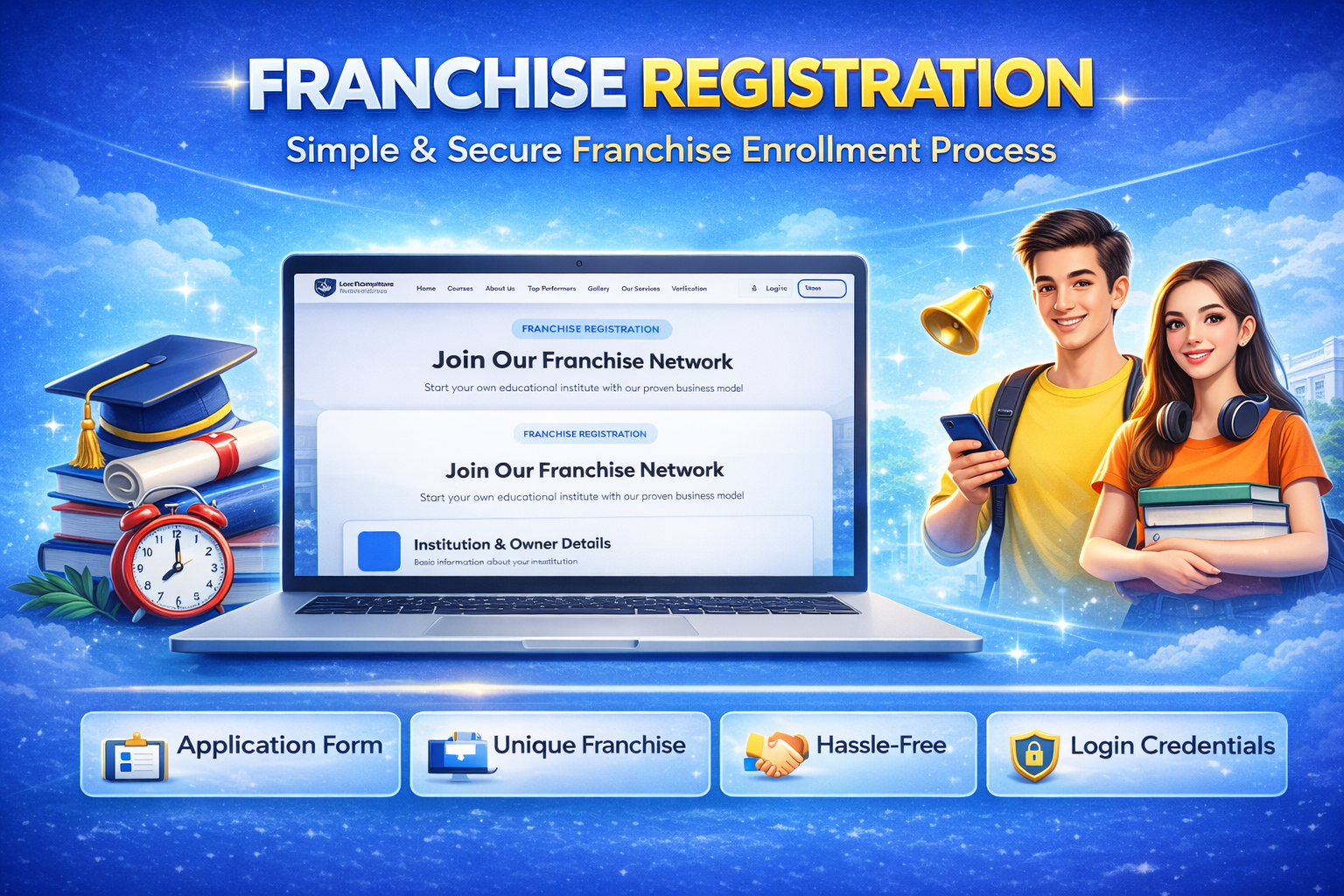
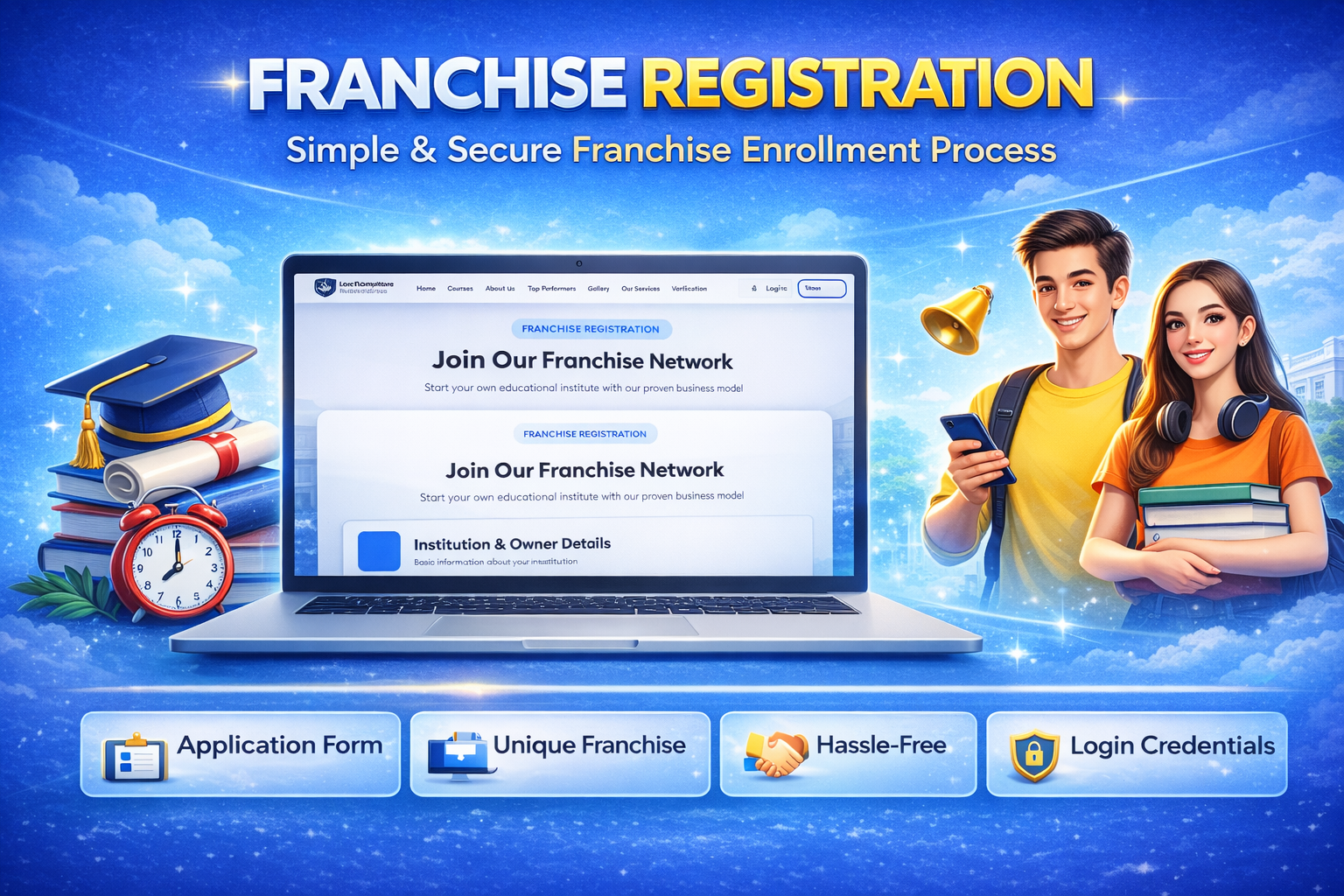
Franchise Registration
Online Application Form
Interested partners can fill out a complete franchise registration form with personal, business, and location details.
Document & Detail Submission
Upload required documents and provide necessary information for review and approval process.
Review & Approval Process
Admin can verify applications, approve eligible candidates, and generate official franchise credentials
Our Teachers Section
Teacher Profiles Display
Show complete teacher profiles including photo, qualification, experience, and specialization.
Expertise & Skills Highlight
Present subject expertise and teaching strengths to build student confidence and trust.
Professional Presentation
Display faculty members in an organized and attractive layout to enhance institute credibility and reputation.