INVENTORY MANAGEMENT
Inventory Categories
Admin can create and manage different inventory categories for proper stock classification.
Inventory Products
Add and maintain product details including quantity, price, and stock status from the admin panel.
Student Inventory – Manage And Bill
Inventory items can be assigned to students with proper billing, and invoices can be generated with complete transaction records.
Data Export Options
Admin can export student, course, fee, attendance, and inventory data in multiple formats like Excel, PDF, or CSV.
Inventory Categories
Admin can create and manage different inventory categories for proper stock classification.

Inventory Products
Add and maintain product details including quantity, price, and stock status from the admin panel.
Student Inventory – Manage And Bill
Inventory items can be assigned to students with proper billing, and invoices can be generated with complete transaction records.
Data Export Options
Admin can export student, course, fee, attendance, and inventory data in multiple formats like Excel, PDF, or CSV.
INVENTORY MANAGEMENT
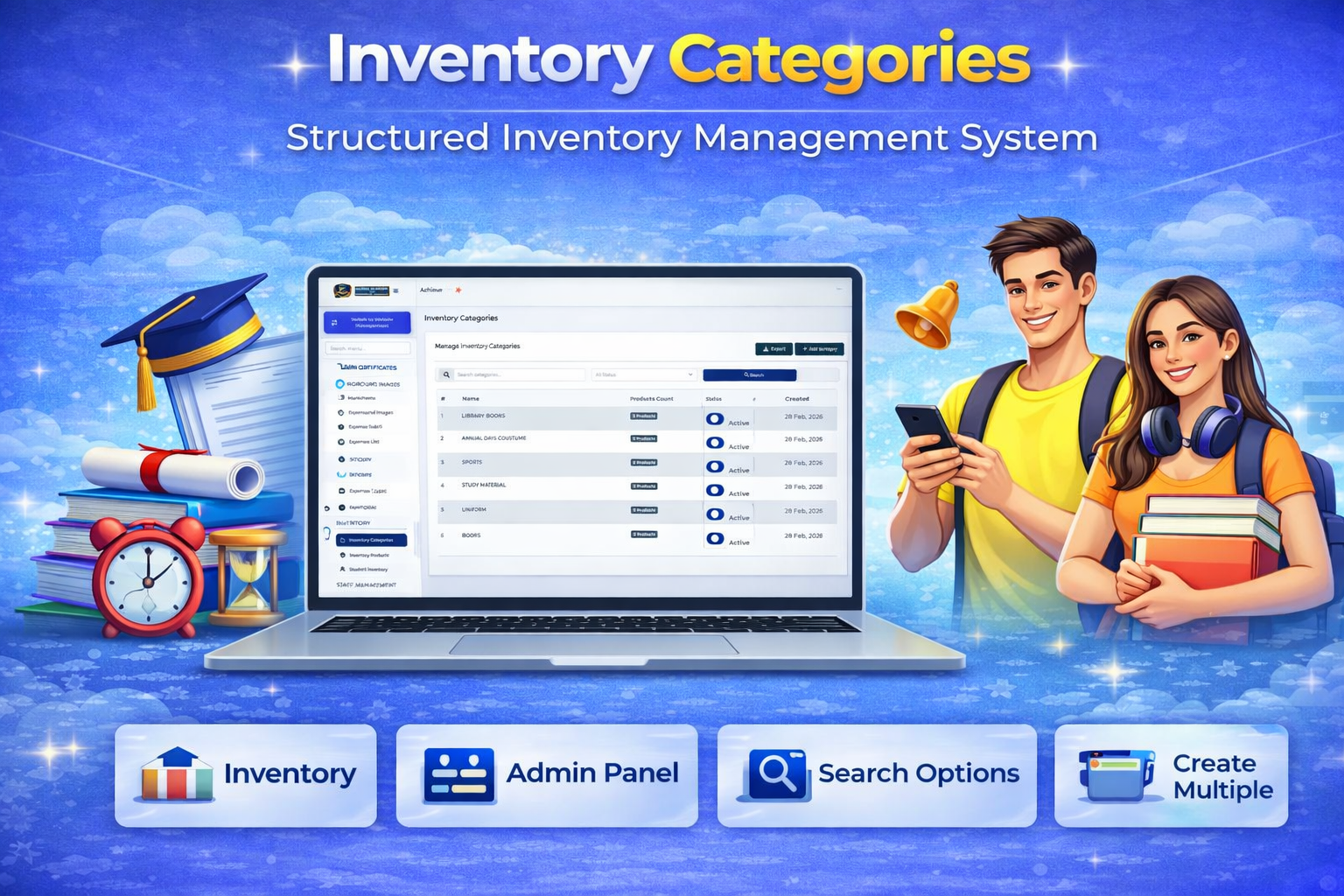
Inventory Categories
Create Unlimited Categories
Admin can add unlimited inventory categories to organize products, materials, or assets efficiently.
Structured Organization
Each category helps in grouping similar items together for easy management and quick access.
Enhanced Inventory Management
A well-organized category system improves tracking, reporting, and overall control of inventory operations.
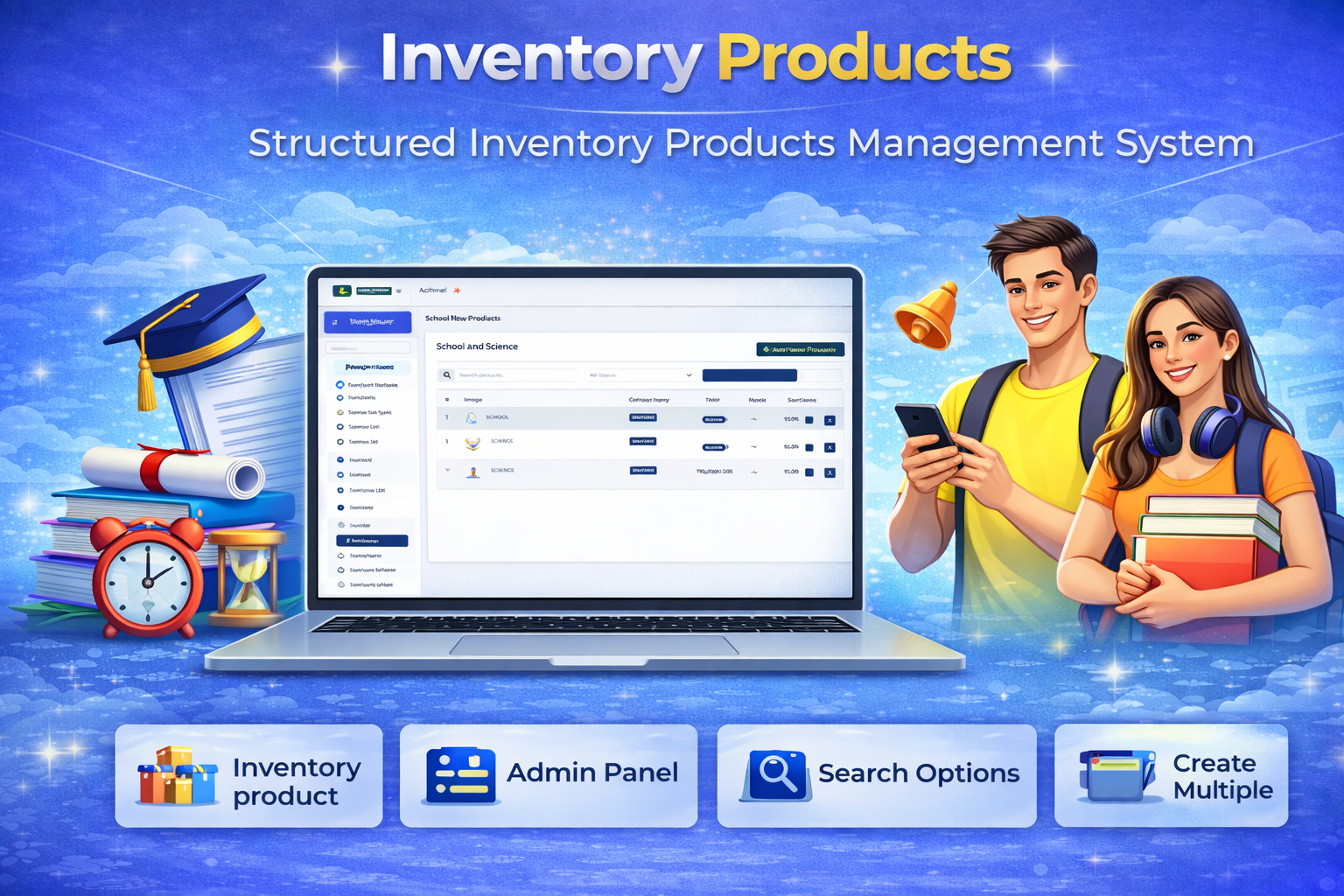
Inventory Products
Add & Manage Products
Admin can add inventory items with details such as product name, category, quantity, and description.
Stock Tracking System
Monitor available stock, updated quantities, and product usage in real time.
Organized Inventory Control
Maintain structured product records for smooth tracking, reporting, and efficient inventory management.
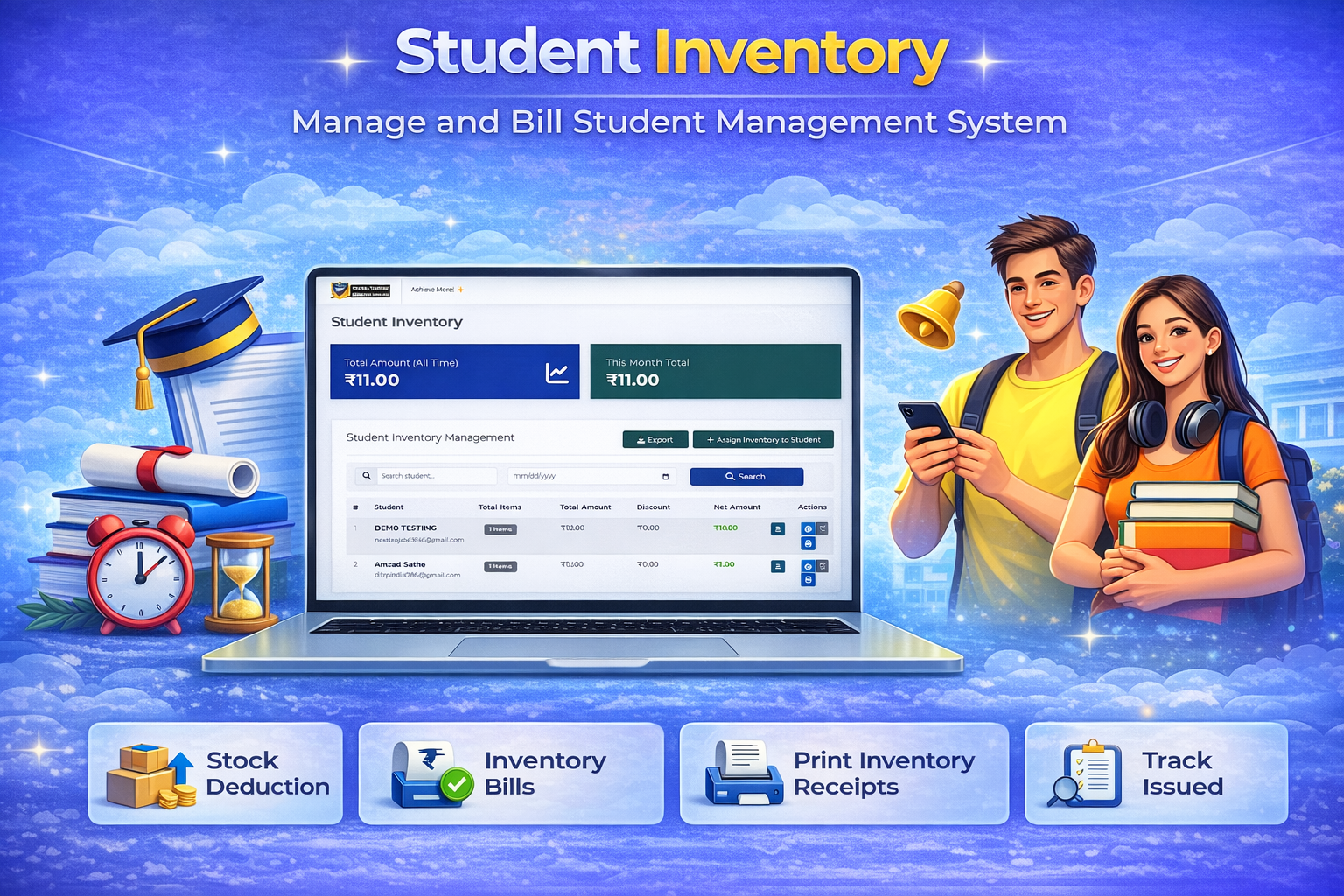
Student Inventory – Manage And Bill
Allocate Inventory to Students
Admin can assign inventory items like books, stationery, or lab equipment to students efficiently.
Billing & Payment Tracking
Generate bills for issued items and track payments, ensuring accurate financial records.
Organized Inventory Management
Keep detailed records of issued and returned items for smooth tracking, reporting, and accountability.
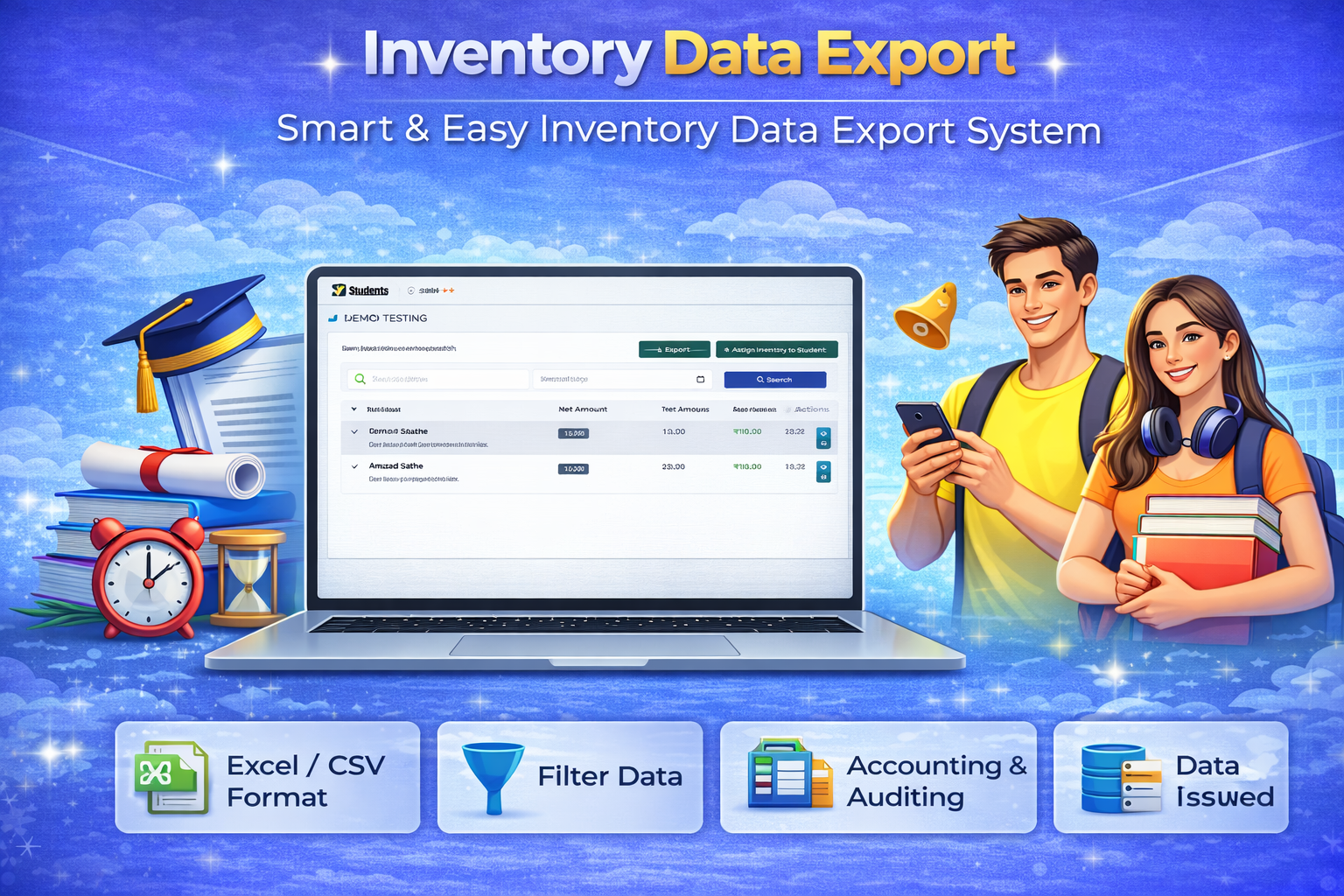
Data Export Options
Export Inventory Data
Admin can export detailed inventory records including product name, category, quantity, and status for reporting or backup purposes.
Export Income Reports
Generate and export income reports related to fees, sales, or other transactions for financial analysis.
Easy & Organized Data Handling
Provides structured data in formats like Excel or CSV, enabling smooth record-keeping, reporting, and decision-making